
Step by step #
1. Turn it on where your seeds already are #
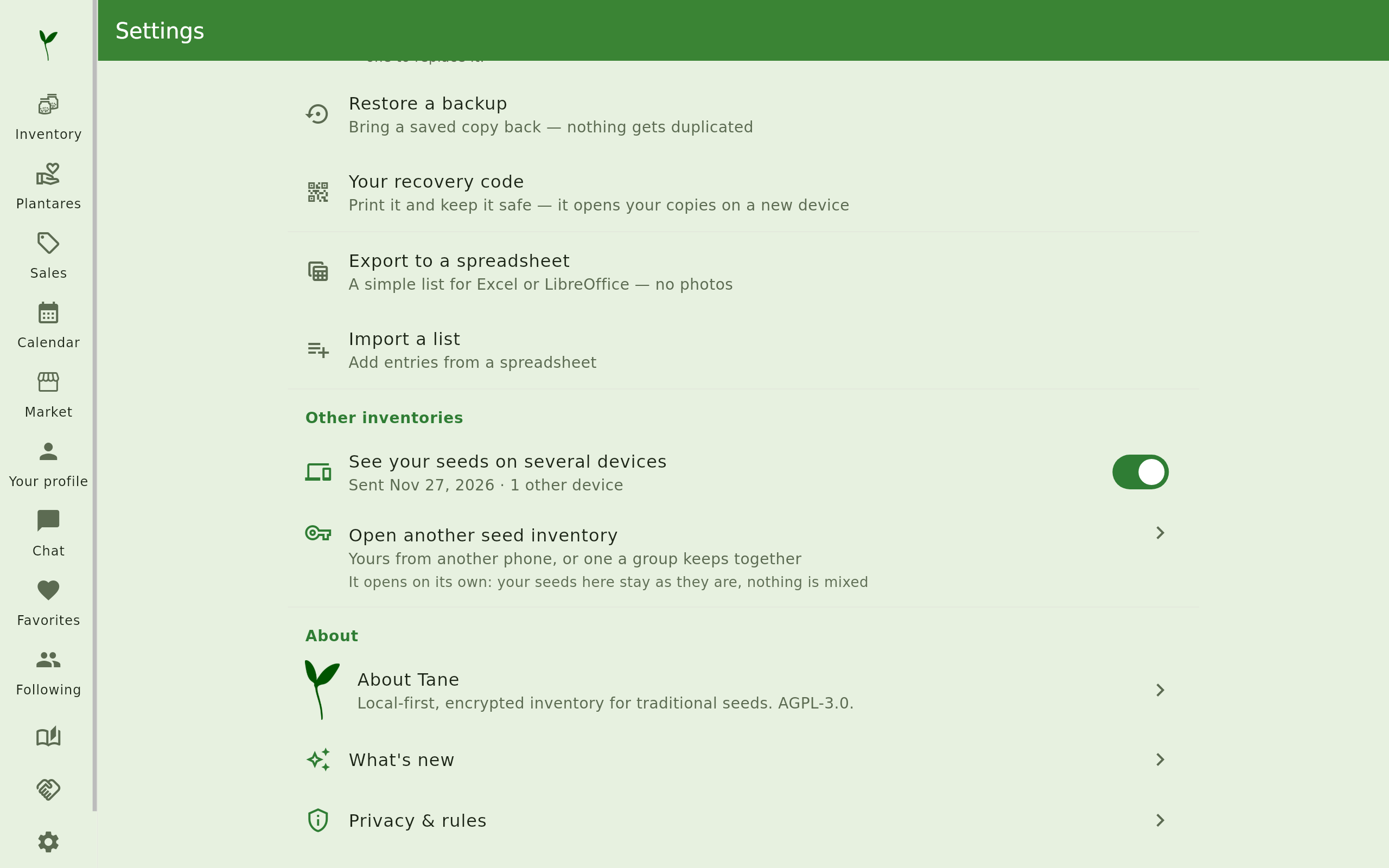
On the device that already has your seeds, go to Settings → Other inventories and turn on “See your seeds on several devices”.
Until the other device is ready, it will say “Waiting for another device”. That’s normal.
2. Show your code #
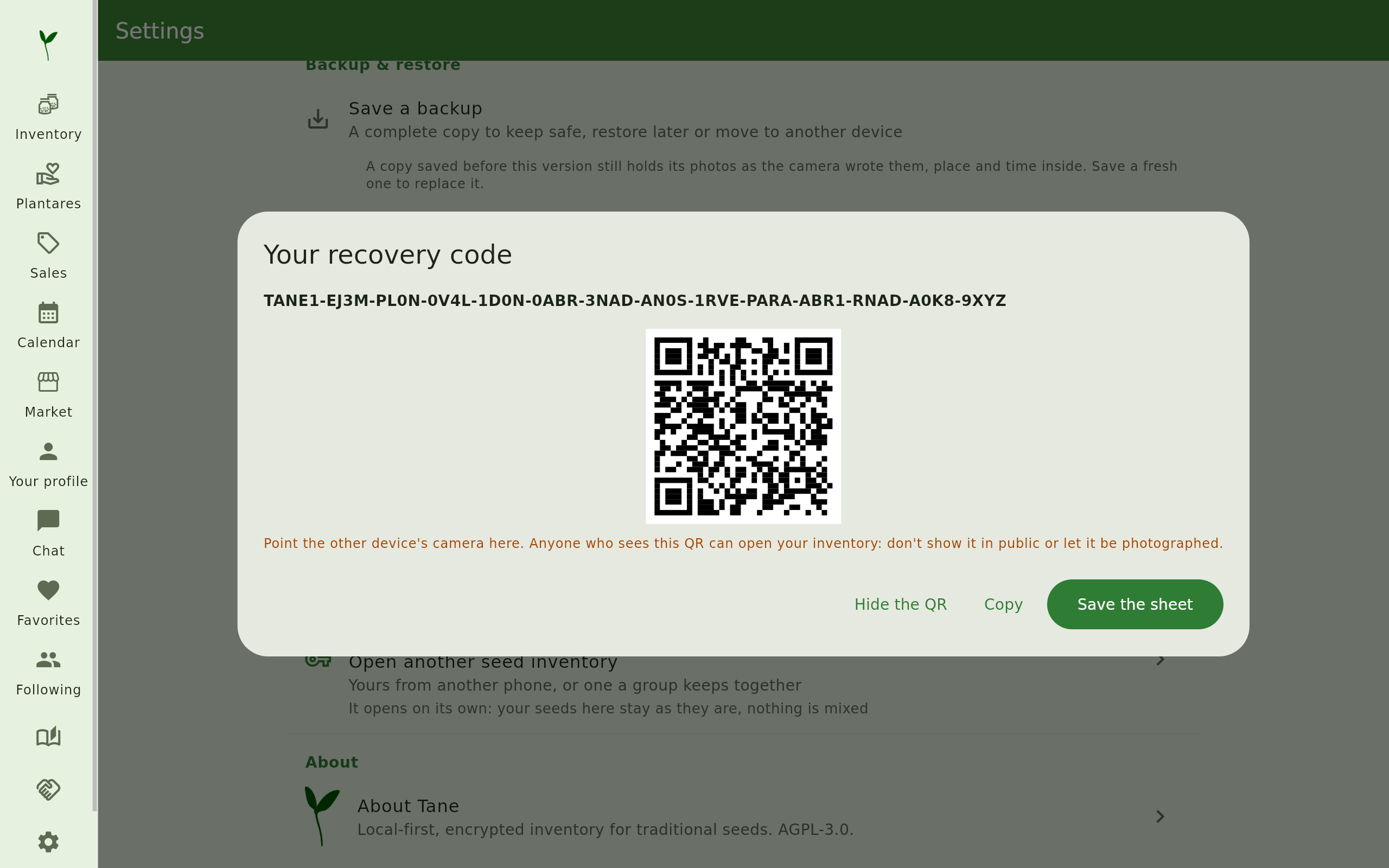
On that same device, in Settings → Backup & restore → Your recovery code, tap “Show as a QR”.
3. Open it on the other device #
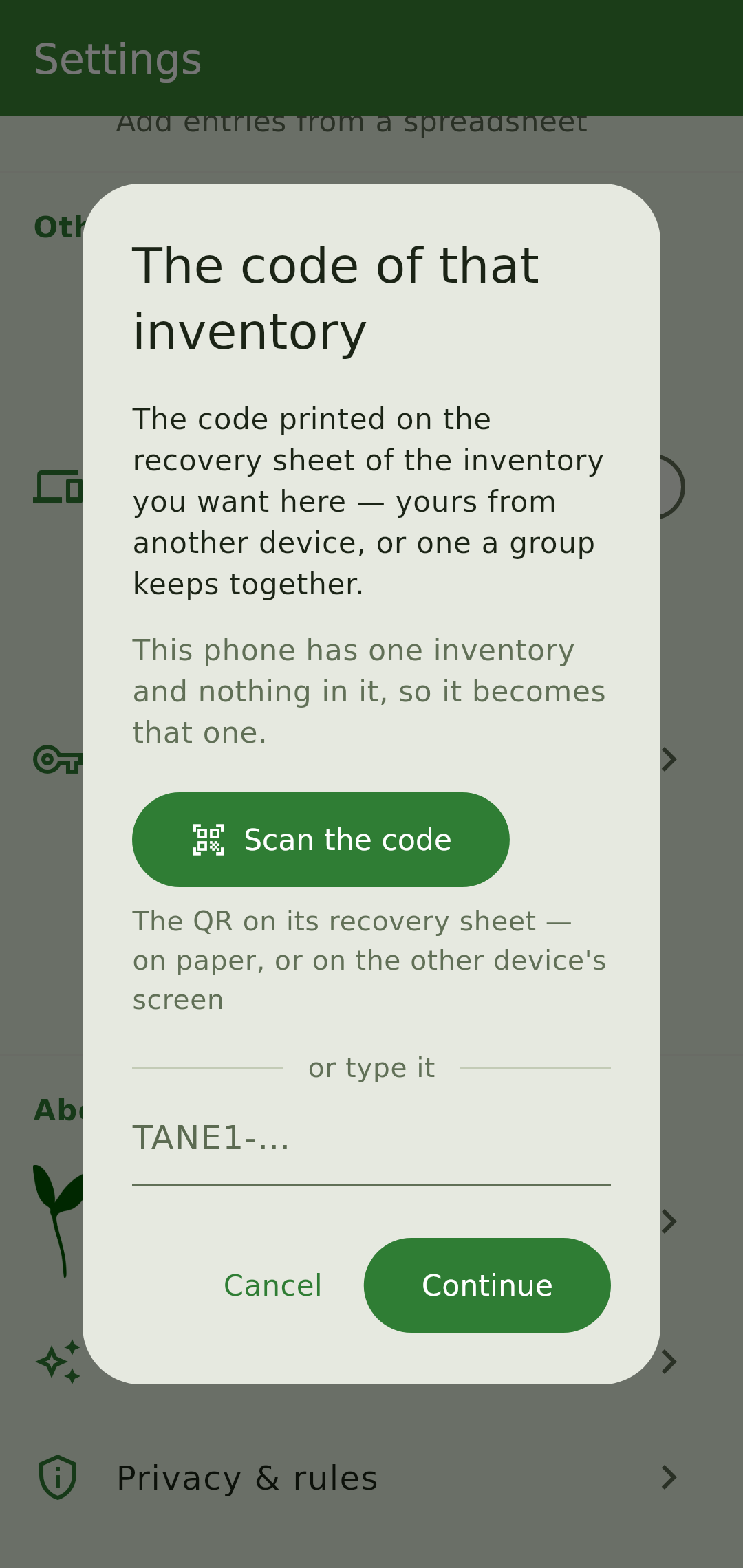
On the new device, go to Settings → Other inventories → “Open another seed inventory”:
- On a phone, tap “Scan the code” and point the camera at the QR.
- On a computer, which can’t read a QR with its camera, type the code: it’s on the recovery sheet you printed, or on the other device, on that same screen.
There’s nothing else to turn on on the new device: when you open the inventory with the code, Tane turns on just what’s needed there for your seeds to arrive.
4. Wait for them to arrive #
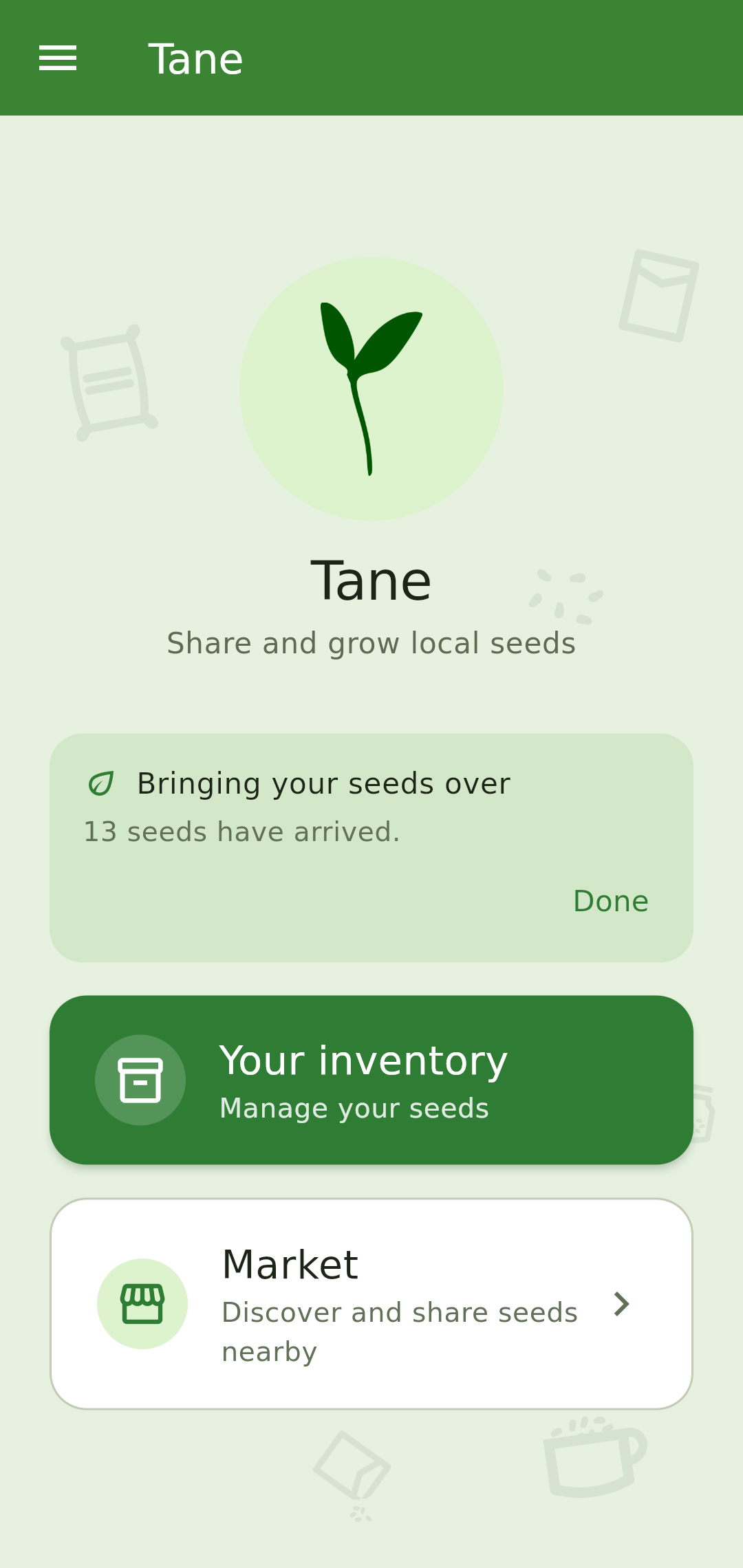
On the new device, the home screen says “Bringing your seeds over” and how many have arrived. This first time, keep both devices with Tane open and online.
5. Done #
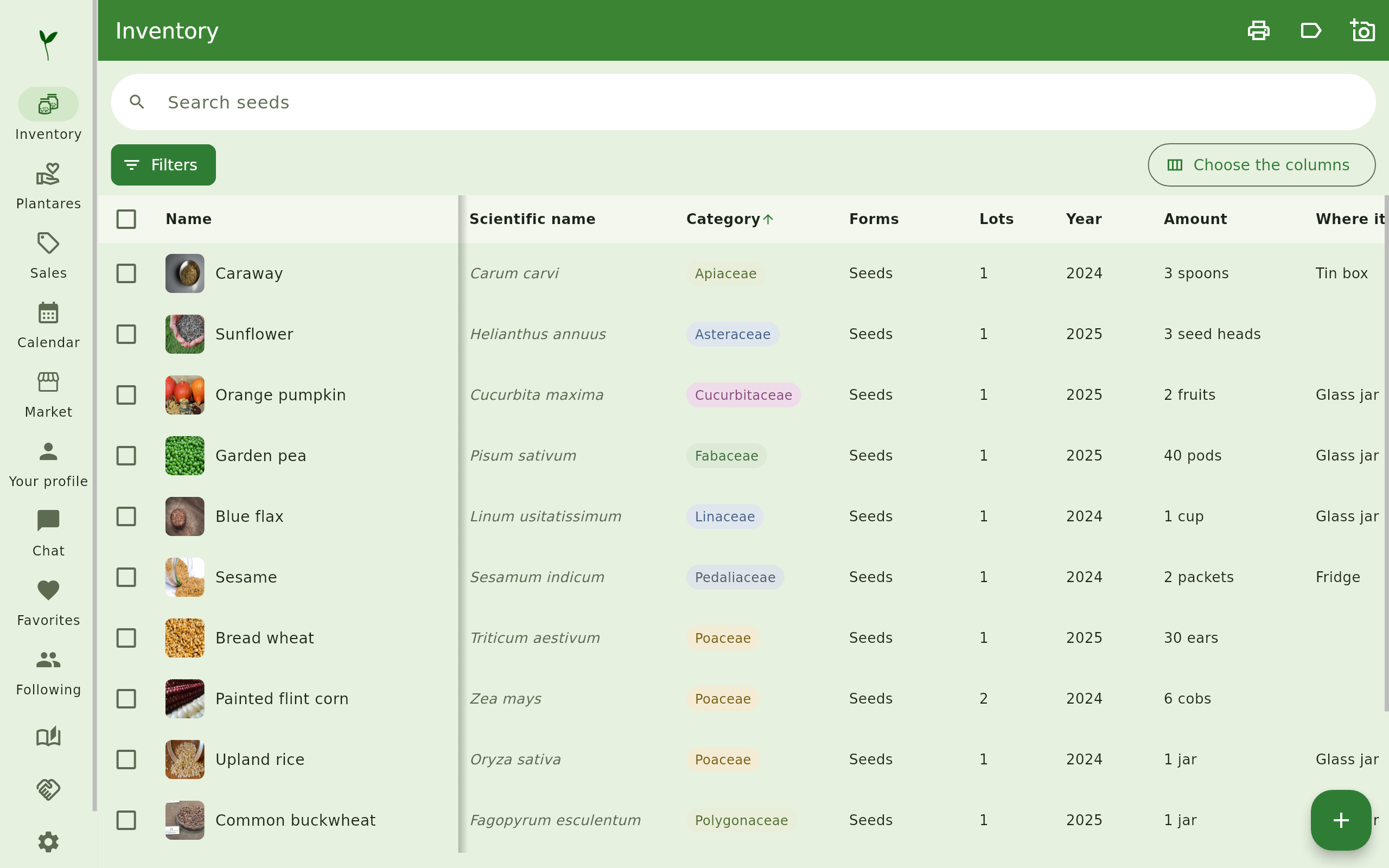
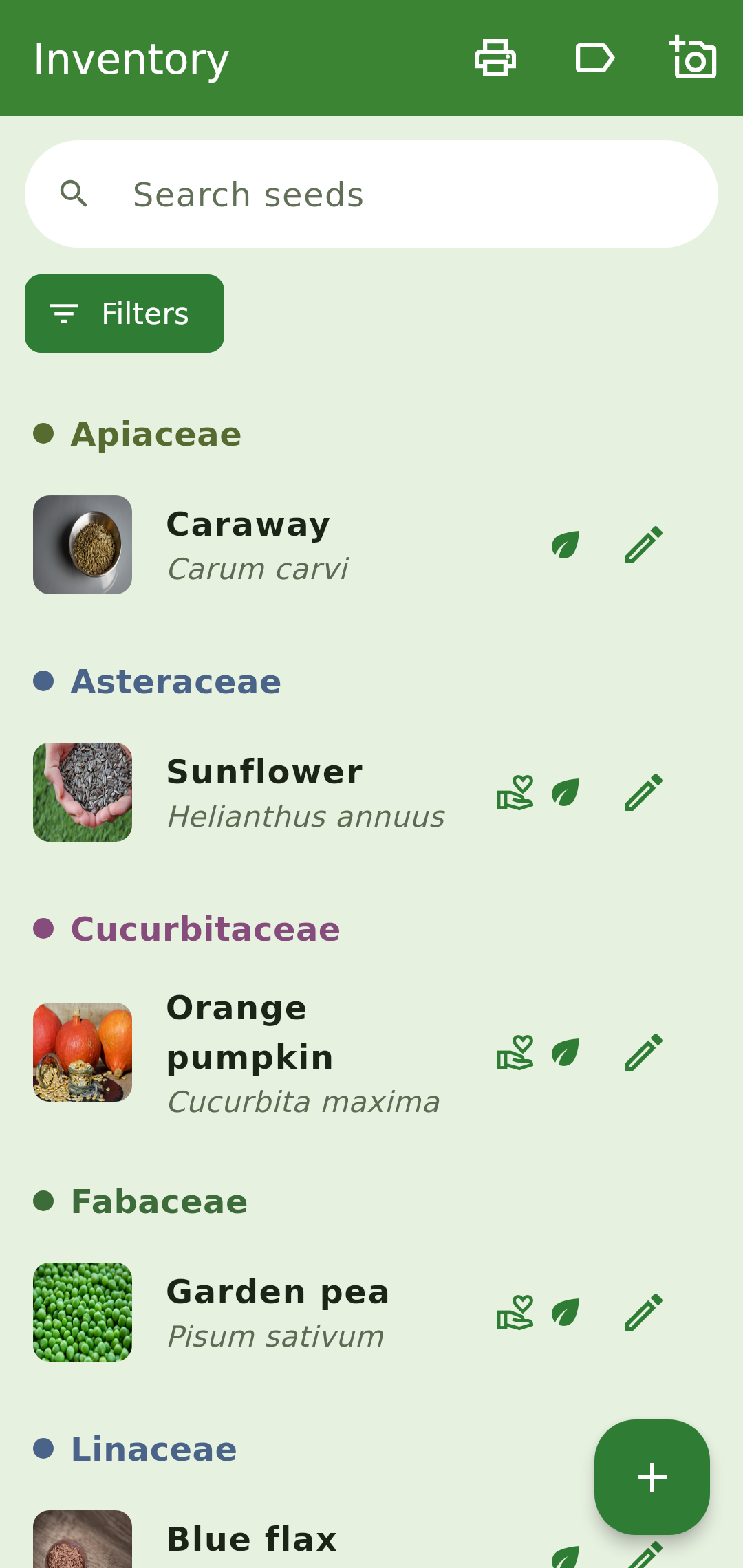
The same inventory, on both.
Questions that come up #
What if the new phone already had seeds? #
Nothing gets mixed. If the new device already had its own inventory, the one you bring in opens separately, as another inventory, and you switch between them whenever you like. Tane tells you before going ahead.
What about a collective’s inventory? #
It works the same way. If several of you keep the inventory of an association, a seed bank or a shared garden, each of you opens it on your own device with that inventory’s code. It opens separately from your own, without mixing, and what one of you notes down the others see. That code is shared by everyone who keeps it: look after it just as carefully.
Does Tane have to be open? #
Yes. Changes travel while Tane is open and online. You can note things down offline on either one: next time you open Tane with internet, they catch up.
Who can see my seeds? #
Nobody but you. So your devices can find each other, Tane leaves an encrypted copy of your inventory on the community servers it travels through. Only your recovery code opens it. Turning this on publishes nothing on the market and doesn’t let anyone write to you.
What if I change the same seed on both at once? #
Nothing is lost when you change different things: if you note the year on one and a photo on the other, the seed keeps both. Only when you change the same thing on both before they’ve caught up — the name, say — the most recent change stays. And if you delete a seed on one while you were still noting something down about it on the other, the seed comes back, so that note isn’t lost.
Look after your code #
Anyone who has your code or sees your QR can open your inventory. Don’t show it in public or let anyone photograph it. And keep the printed sheet somewhere safe: with it you get your seeds back even if you lose all your devices.